
3D modeling and animation constitute distinct yet interdependent processes within the production of digital graphics across diverse media platforms. While 3D modeling creates three-dimensional digital objects, 3D animation brings them to life by adding movement and action. These two disciplines are closely connected: Animators require geometrically sound 3D models to execute believable motion kinematics, and conversely, modelers must integrate animation-specific constraints during the asset construction phase.
For digital artists aiming for careers in video games, film, or motion design, developing skills in either or both areas can be highly advantageous. Mastering 3D modeling provides a solid foundation for creating detailed characters, props, and environments, while learning animation techniques adds life, personality, and storytelling to your creations.
3D Modeling by Definition & How They Take Shape
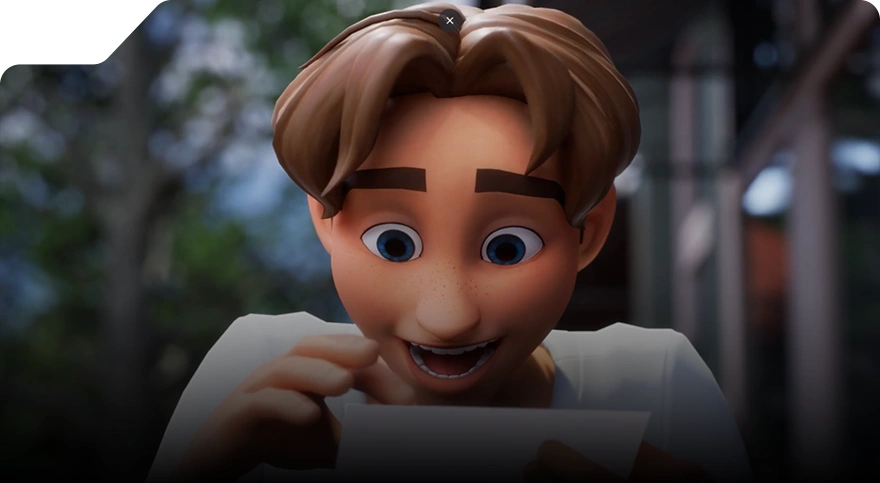
Featured Video: Advanced 3D Modeling by Van Nguyen
3D modeling is the process of creating a digital representation of objects, characters, or environments in three dimensions using specialized software. It involves sculpting and shaping geometry in a virtual space to produce a detailed, viewable model.
How it works
3D modeling involves breaking down objects into smaller polygons and connecting them to form a complete three-dimensional image that can be manipulated on a computer screen. These 3D models are primarily made up of vertices (points), edges (lines), and faces. These vertices determine the position of each polygon in the model, while the edges define how these polygons are connected to form the overall shape.
This technique in creating 3D models is known as polygonal modeling and has long been the standard approach for creating animation and other media. Polygonal models are highly efficient because they are memory-friendly, making them suitable even on computers with limited processing power. It also enables artists to create detailed, complex models without overloading their systems.
The 3D modeling workflow typically involves several key stages:
- Conceptualization: Developing initial ideas, sketches, or references for the model.
- Modeling: Building the polygonal structure to define the shape and form of the object.
- Texturing: Applying materials, colors, and surface details to bring the model to life.
- Lighting and Rendering: Setting up virtual lights and producing the final image or scene for display.
Types of 3D modeling
There are 2 main types of 3D modeling:
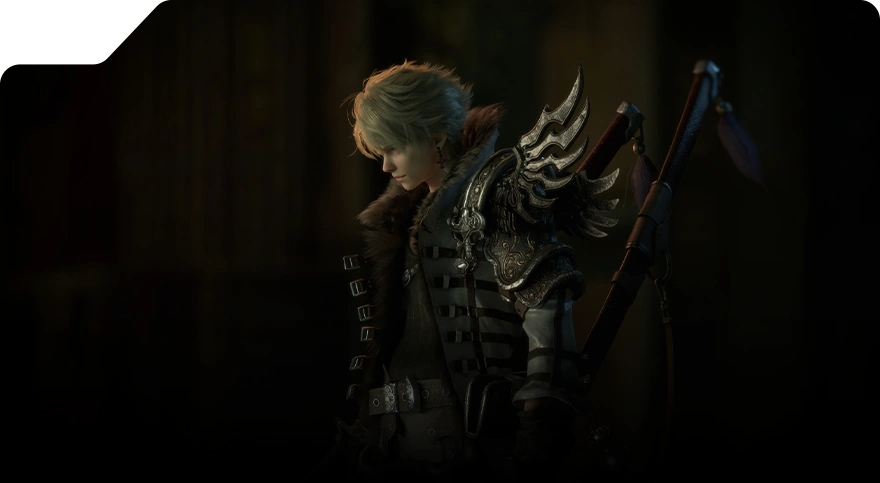
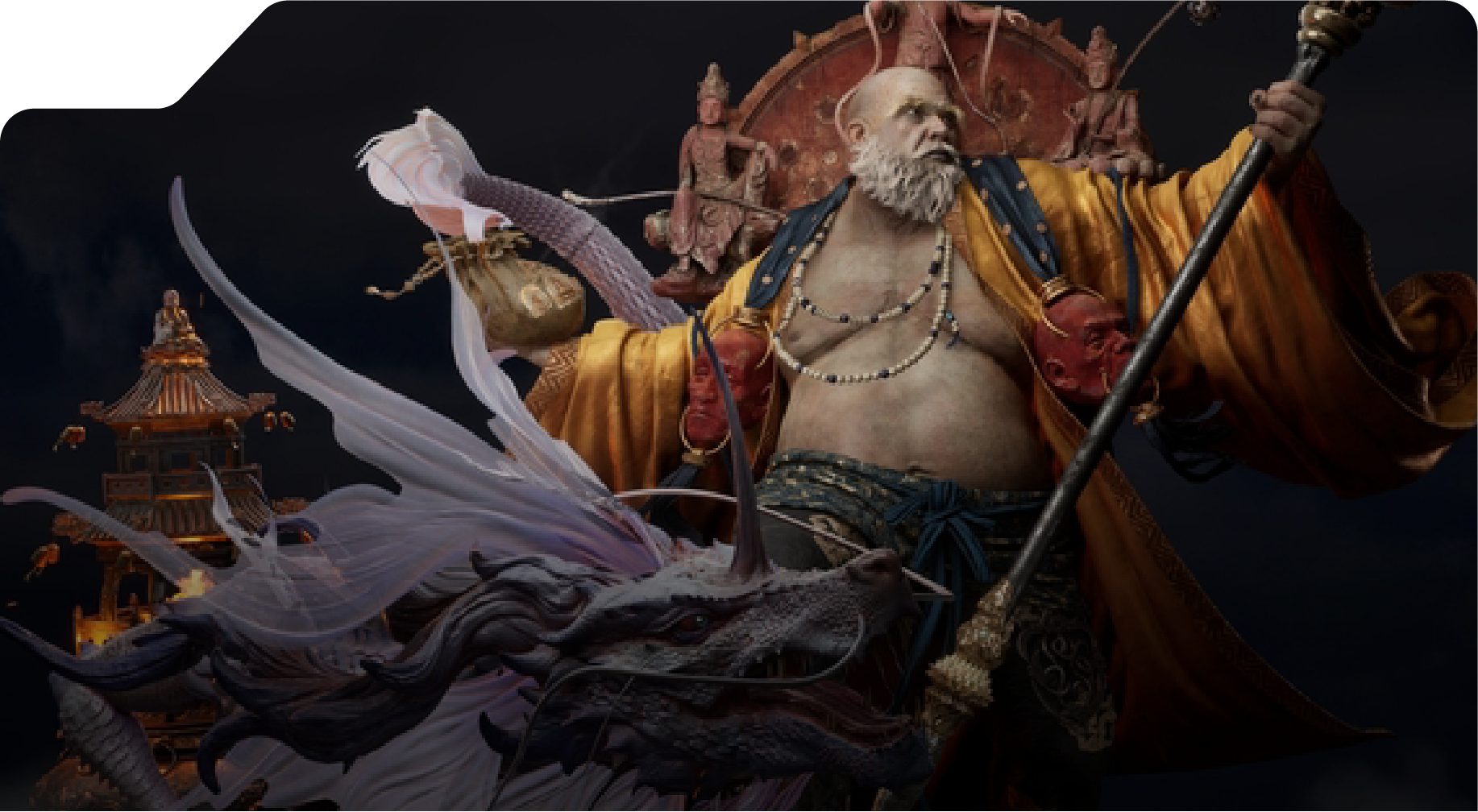
- Organic modeling: These types of 3D models focus on natural, flowing forms, such as characters, animals, plants, or creatures. They require a deep understanding of anatomy and movement to make characters feel alive and believable.
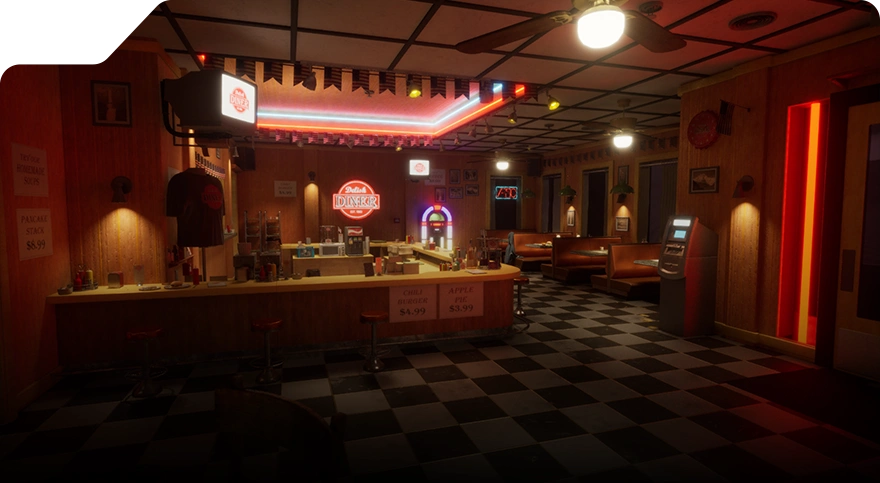
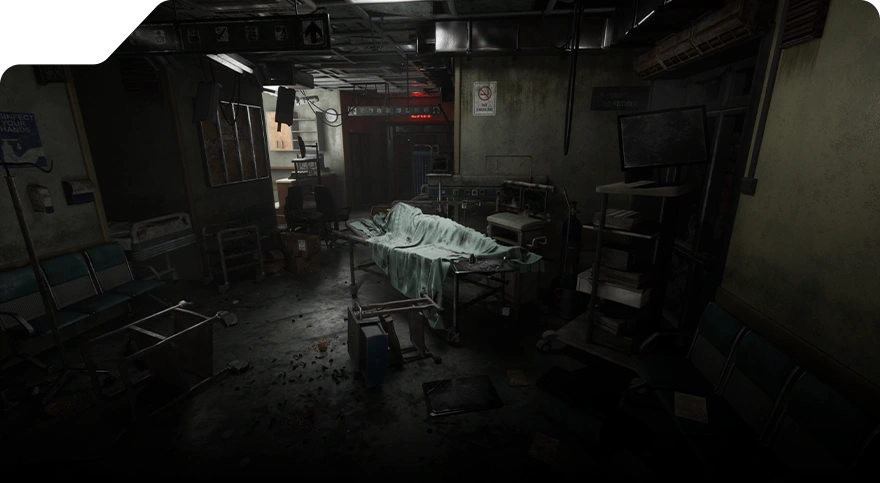
- Hard surface modeling: This technique focuses on man-made objects, including buildings, vehicles, machinery, and manufactured items.
How Animators Bring Movement to 3D Models
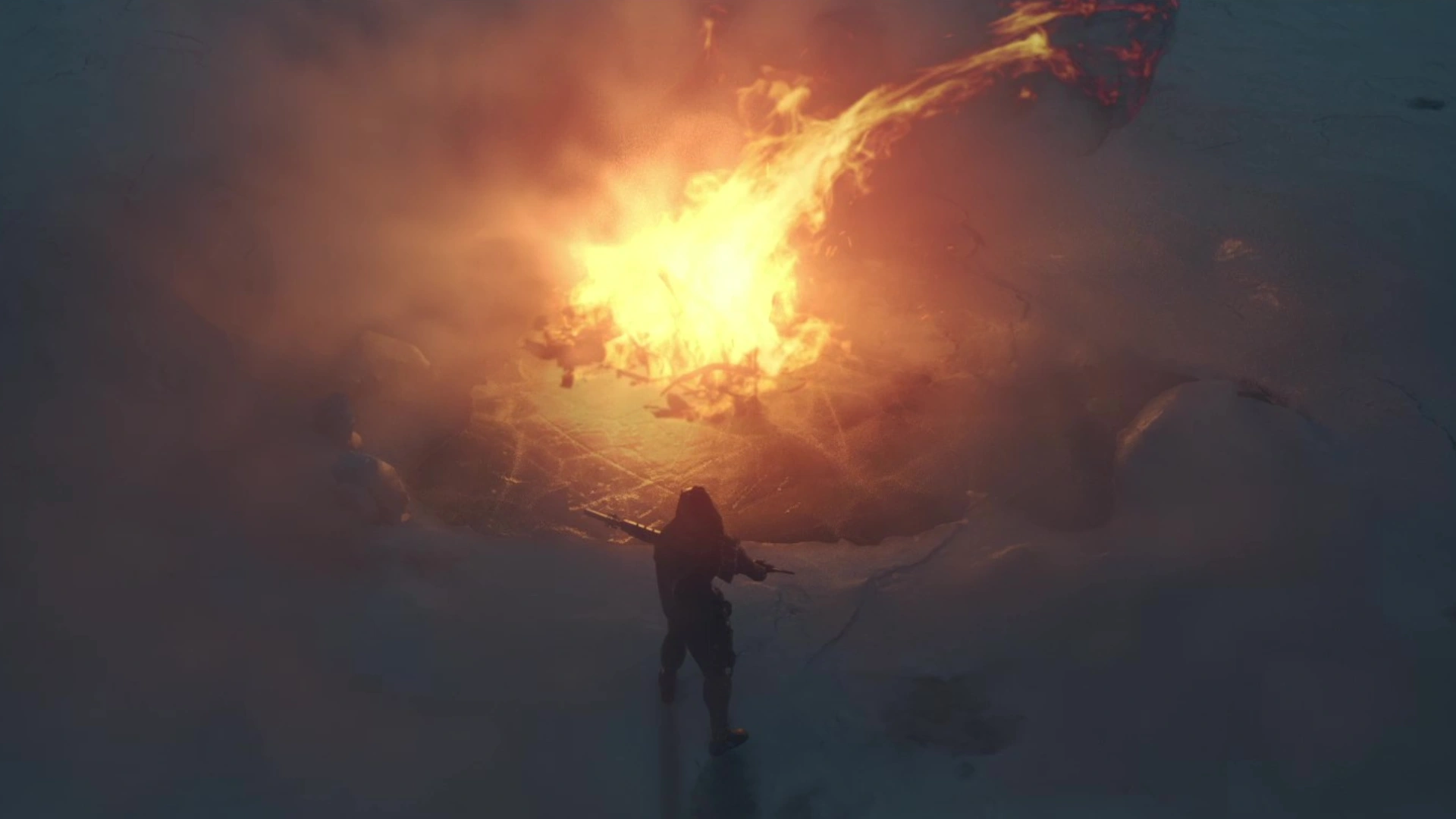
Featured Video: Animation by Haw Wei Yi
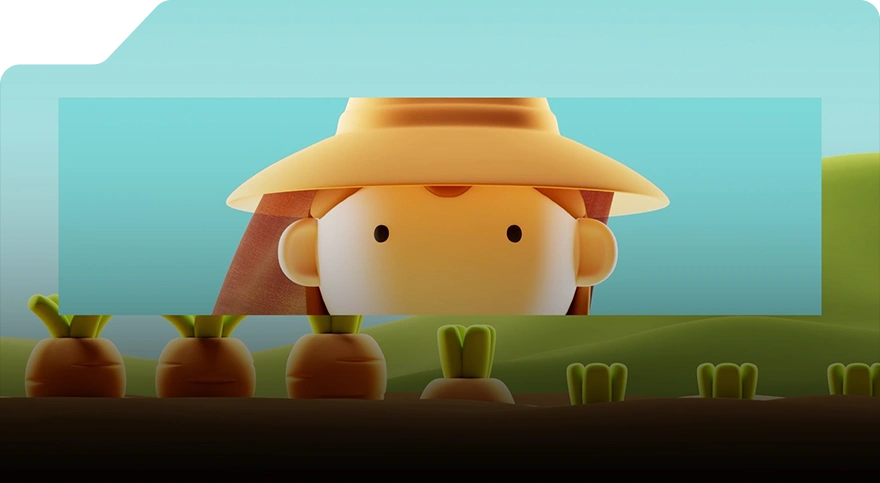
3D animation takes static three-dimensional models and transforms them into dynamic, moving visuals that can interact within a digital scene. Although these models are displayed on a two-dimensional screen, they are designed to simulate real-world three-dimensional movement, allowing objects to rotate, turn, and move in ways that feel natural and lifelike.
How 3D Modeling and Animation Work Together
The process of creating three-dimensional images that move in a dynamic and engaging way typically involves the following:
- Modeling comes first: You cannot animate what does not exist. 3D artists start by creating detailed digital models of characters, props, or environments. The quality and structure of these models directly influence how smoothly they can be animated later.
- Rigging the model: Once a model is complete, it must be rigged. Rigging involves creating a digital skeleton with joints, bones, and control handles that dictate how the model moves. A well-rigged model ensures realistic motion and gives animators the flexibility to convincingly pose characters or objects.
- Animating the model: With a rig in place, animators bring the model to life. Through keyframe animation, motion paths, and physics simulations, models move, rotate, and interact naturally within a scene. This stage is where timing, emotion, and storytelling are fully realised.
Why Understanding Both Matters
For digital artists, developing skills in both 3D modeling and animation offers multiple advantages:
- Efficient project planning: Artists who understand animation needs while modeling can design models that deform correctly, move naturally, and avoid technical issues later in production.
- Better collaboration: Knowledge of both disciplines allows modellers and animators to communicate clearly. This alignment reduces misunderstandings, streamlines workflows, and ensures the creative vision is maintained.
- Career versatility: Proficiency in modeling and animation opens doors across the entertainment, video game, VR/AR, advertising, and design industries. Artists with a comprehensive skill set are more adaptable and can take on multiple roles in a production pipeline.
Getting Started with 3D Modeling for Animation
If you’re interested in a career in 3D modeling and animation, developing a strong foundation in static art, observation, and visual storytelling is essential. While mastering these skills takes time, consistent practice and patience are key to long-term growth. Some of the ways to start building your abilities include:
- Create Concept Art and Model Sheets: Start by creating detailed reference images that show your characters, objects, or environments from multiple angles and poses. Model sheets serve as a blueprint for your 3D model, helping you maintain consistency and proportion throughout the modeling process.
- Learn Through Photo References: Collect libraries of real-world images to guide your work. Studying photographs helps with accurate proportions, textures, and surface details, and allows you to replicate realistic lighting and material qualities in your models.

Featured Image: ZBrush 3D Model by Iris Lim
Workflow Guide on How to Begin Learning 3D Modeling for Animation
While individual technical workflows evolve, the following sequential guide provides a practical starting protocol for acquiring animation-centric 3D modeling skills:
- Begin with large shapes and silhouettes: Block out the basic forms of your model before adding complexity. This helps you focus on overall proportions and structure.
- Refine proportions and contours: Once the primary shapes are in place, gradually add details, like smoothing surfaces and adjusting curves to match your reference materials.
- Test basic poses: Place your model in simple poses to check for balance, articulation, and potential deformation during animation. This step helps identify potential rigging and movement issues early.
- Layer details progressively: Work from broad strokes to fine details, ensuring that the model remains clean and manageable, which is especially important for animation-ready assets.
- Consider topology: Maintain clean edge loops and polygon flow, particularly around joints and areas that will deform during animation. Ensuring good topology creates smooth movement and prevents distortions as your 3D model moves.
What 3D Modeling & Animation Software Should Beginners Start With?
When beginning your journey in 3D modeling and animation, choosing user-friendly software can help you ease into the learning curve. These tools allow you to build strong fundamentals before transitioning to more advanced, industry-standard applications.
1. Vectary
Vectary is an online, browser-based 3D modeling tool designed for accessibility, offering a drag-and-drop interface that lets you assemble models without having to start from scratch. This makes it ideal for beginners experimenting with shapes, layouts, and basic scene building. A free plan is available upon sign-up, making it a convenient entry point for those exploring 3D for the first time.
2. Cinema 4D
Cinema 4D is known for being one of the most beginner-friendly professional 3D applications. Its clean interface, stability, and strong set of modeling and animation tools make it a favorite in motion design, advertising, and broadcast graphics. Its CAD-style modeling features allow you to create both simple forms and complex designs.
3. Blender
Blender is one of the most versatile and accessible 3D programs available and is entirely free. It’s open source, widely supported by a global community, and used across a range of industries, from indie game development to professional animation. Blender provides everything in one package: modeling, sculpting, animation, rendering, simulation, compositing, and even video editing. It’s a great starting point for beginners with long-term ambitions, as you can grow within the software without outgrowing its capabilities.
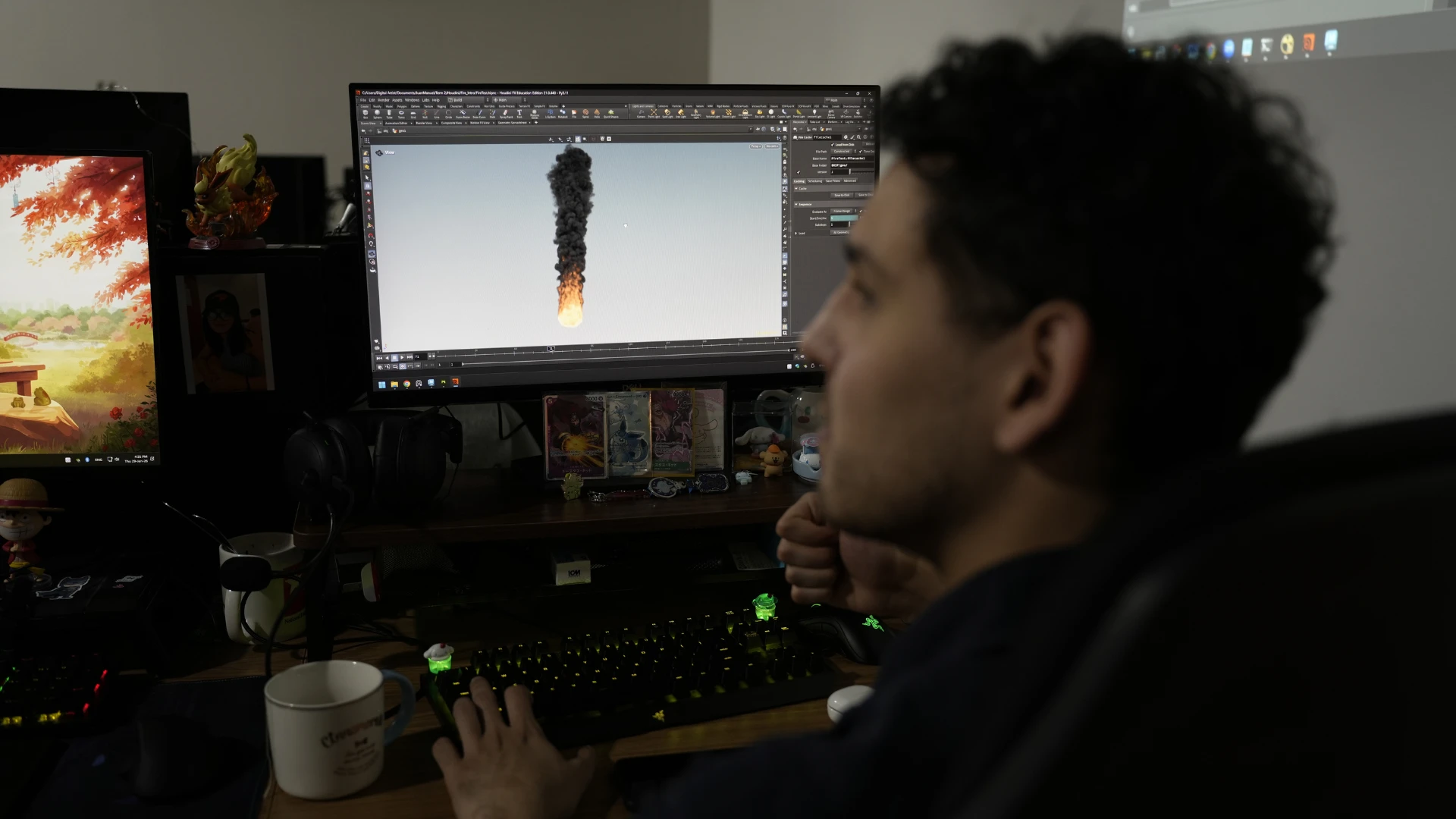
Once you’re comfortable with these beginner-friendly tools, you can move on to advanced software such as Houdini, ZBrush, and Autodesk Maya, which offer more control for animation and technical workflows.
Take Your 3D Skills Further with 3dsense Media School
If you're serious about turning your passion for 3D modeling or animation into a professional career, 3dsense Media School provides the ideal foundation. Our 3D modeling course and motion design programs are designed for aspiring artists who want to break into the global creative industry with confidence.
At our 3D modeling school, we’ve trained countless students who have gone on to work in animation studios, game companies, VFX houses, and design agencies worldwide. Many of them entered the industry with portfolio pieces they developed during our course.
Our intensive 1-year program is structured to help you grow rapidly:
- Learn industry-standard tools such as Autodesk Maya, ZBrush, and Houdini.
- Receive hands-on mentorship from industry practitioners with real production experience.
- Build a professional-quality portfolio through project-based learning and real-world assignments.
- Master both technical and artistic skills, from modeling and sculpting to rigging, animation, rendering, and presentation.
Through this structured training, you’ll graduate with a polished portfolio, production-ready skills, and a clear sense of direction, whether you want to pursue animation, game art, motion design, or visual effects.
For more information, check out our insights into the difference between CGI and animation.





 Chat Now